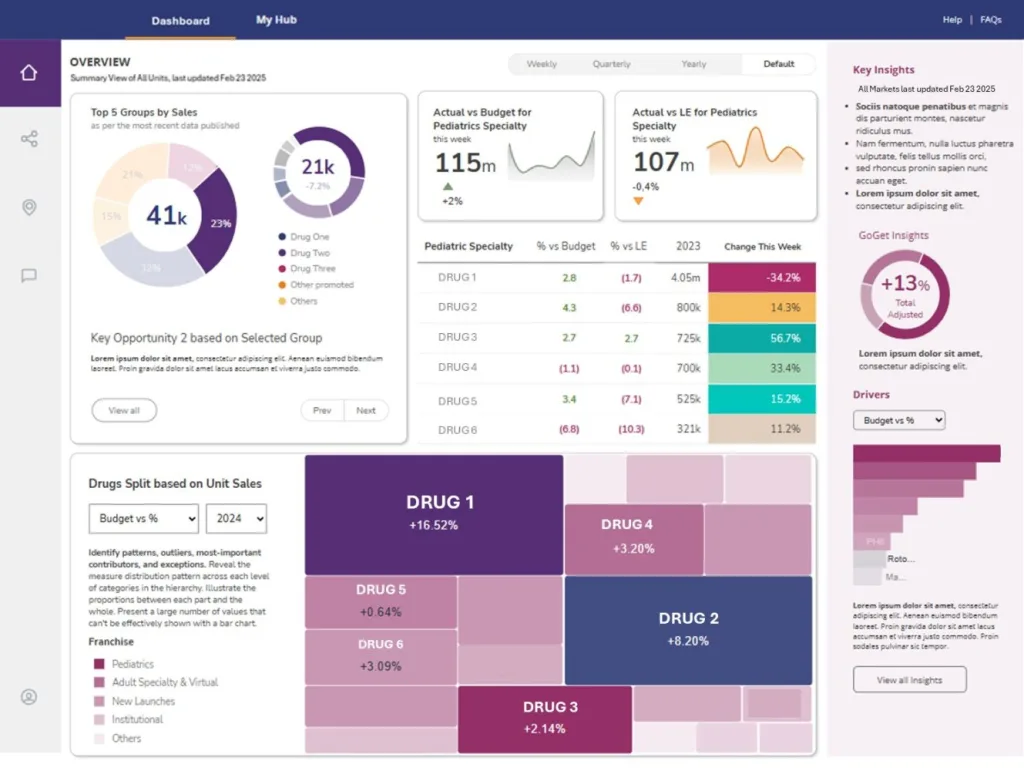











Integrating Interworks Curator with the same identity provider as the reporting systems it hosts offers a robust solution for seamless authentication and authorization. This article will survey the high-level considerations and help ensure a smooth start your journey. We include some info on integrating first-party company web apps into Curator alongside cloud-built reporting solutions, ensuring a one-time single sign-on (SSO) through Curator fosters a seamless application experience.
Integration with Tableau and PowerBI
Interworks Curator provides comprehensive documentation for integrating with Tableau and PowerBI. These integrations allow users to leverage their existing analytics tools within the Curator environment. Tableau Cloud uses its own form of pass-through authentication, however, it requires login names to be consistent with the primary identity provider. Consulting a seasoned expert on this helps to smooth out the rough edges in the integration process.
Customizing Curator for First-Party Applications
To achieve a seamless SSO experience, a few considerations go into integrating first-party company web apps into Curator. This process involves several key steps:
1. Pick a Single Identity Provider: Choose an identity provider such as Entre ID Connect to streamline authentication processes.
2. Adapt First-Party Applications: Modify your in-house applications to use the same identity provider and authentication method as Curator. Either use Open ID Connect or SAML 2.0. Rower’s recommendation is to use SAML authentication but the decision is ultimately up to the client. The key here is to have consistency across the various applications that directly use the identity provider.
3. Manage Identity Pass-Through for First-Party Apps: Ensure that your in-house applications are configured to handle identity pass-through and application permissions appropriately, maintaining security and company policy in balance with user convenience.
Some Assembly Required
Creating a truly smooth SSO experience, especially with in-house applications, requires a certain level of expertise. The integration process involves configuring identity providers, adapting applications, and managing identity pass-through, all of which can be complex and require specialized knowledge.
Conclusion
Integrating Interworks Curator using Entre ID Connect with in-service analytics platforms can significantly enhance your organization’s operational capabilities. For organizations looking to create a cohesive and secure system, consulting with experts at Rower Consulting can be invaluable. We have the experience and knowledge to ensure a smooth integration process, tailored to your specific needs.
By leveraging the power of Curator and a unified identity provider like Entre ID Connect, your organization can enjoy a robust, integrated solution that enhances the user experience and operational efficiency.
We’re here to help you navigate the complexities of software integration so that you can focus on your business. Call us today!